Pro-forma invoices
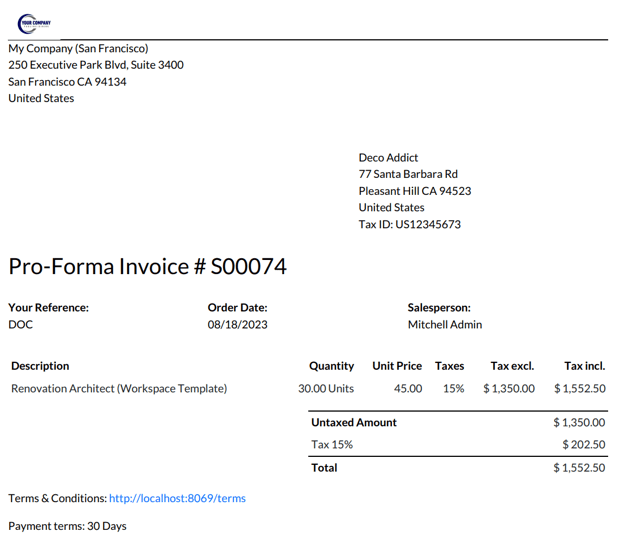
A pro-forma invoice is a preliminary document shared before delivery that outlines expected costs, quantities, and details of a transaction without requesting payment.
A pro-forma invoice is a preliminary document issued before goods or services are delivered. It provides an estimate of the transaction, including product details, quantities, pricing, and additional costs such as shipping or handling.
Unlike a standard invoice, a pro-forma invoice is not a request for payment. Instead, it is used to give customers a clear overview of expected charges before finalizing the transaction.
These documents are commonly shared alongside quotations or used during international trade processes, such as customs clearance.
Configuration
To use pro-forma invoices, the feature must first be enabled.
Follow these steps:
-
Navigate to Sales app ‣ Configuration ‣ Settings
-
Locate the Quotations & Orders section
-
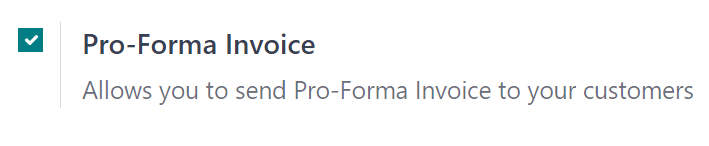
Enable the Pro-Forma Invoice option
-
Click Save
Send a pro-forma invoice
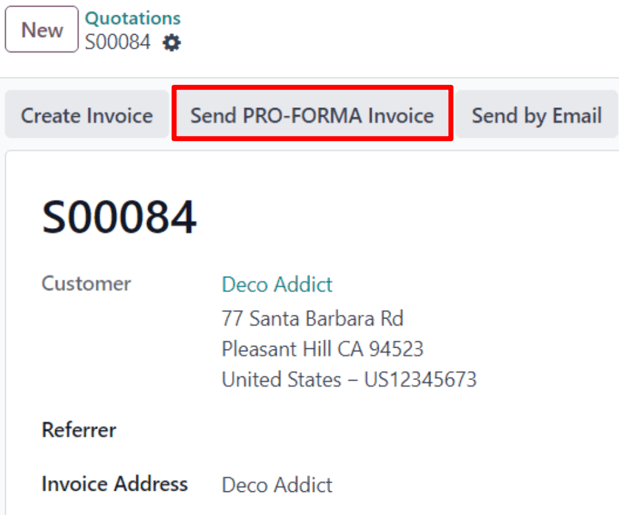
Once enabled, pro-forma invoices can be sent directly from a quotation or sales order using the Send Pro-Forma Invoice button.
Note
The option to send a pro-forma invoice is not available in the following cases:
-
When a down payment invoice has already been issued
-
For recurring subscription orders
In these situations, the Send Pro-Forma Invoice button will not be displayed.
Pro-forma invoices can still be used for various scenarios, including:
-
Service-based sales
-
Event registrations
-
Training or courses
-
New subscription orders
They are not limited to physical or stockable products.
Email and delivery process
Clicking Send Pro-Forma Invoice opens an email composition window.
In this window:
-
The Recipients field is automatically filled with the customer’s email
-
The Subject and email content can be adjusted as needed
-
The pro-forma invoice is attached automatically as a PDF
Once everything is ready, click Send to deliver the email along with the attached document.

Preview the pro-forma invoice
Before sending, you can review the document:
-
Click the attached PDF in the email window
-
The file will download instantly
-
Open it locally to verify layout and details
Tip
Always preview the pro-forma invoice before sending it to ensure accuracy in pricing, formatting, and customer information.